Create Scroll-Stopping YouTube Thumbnails in Seconds
Upload up to two images, add your text, and let AI design a high-CTR thumbnail — no design skills needed.
Upload images. Get a click-ready thumbnail.
Whether you have a face shot, a background, or both — AI composes a thumbnail designed to get more clicks.
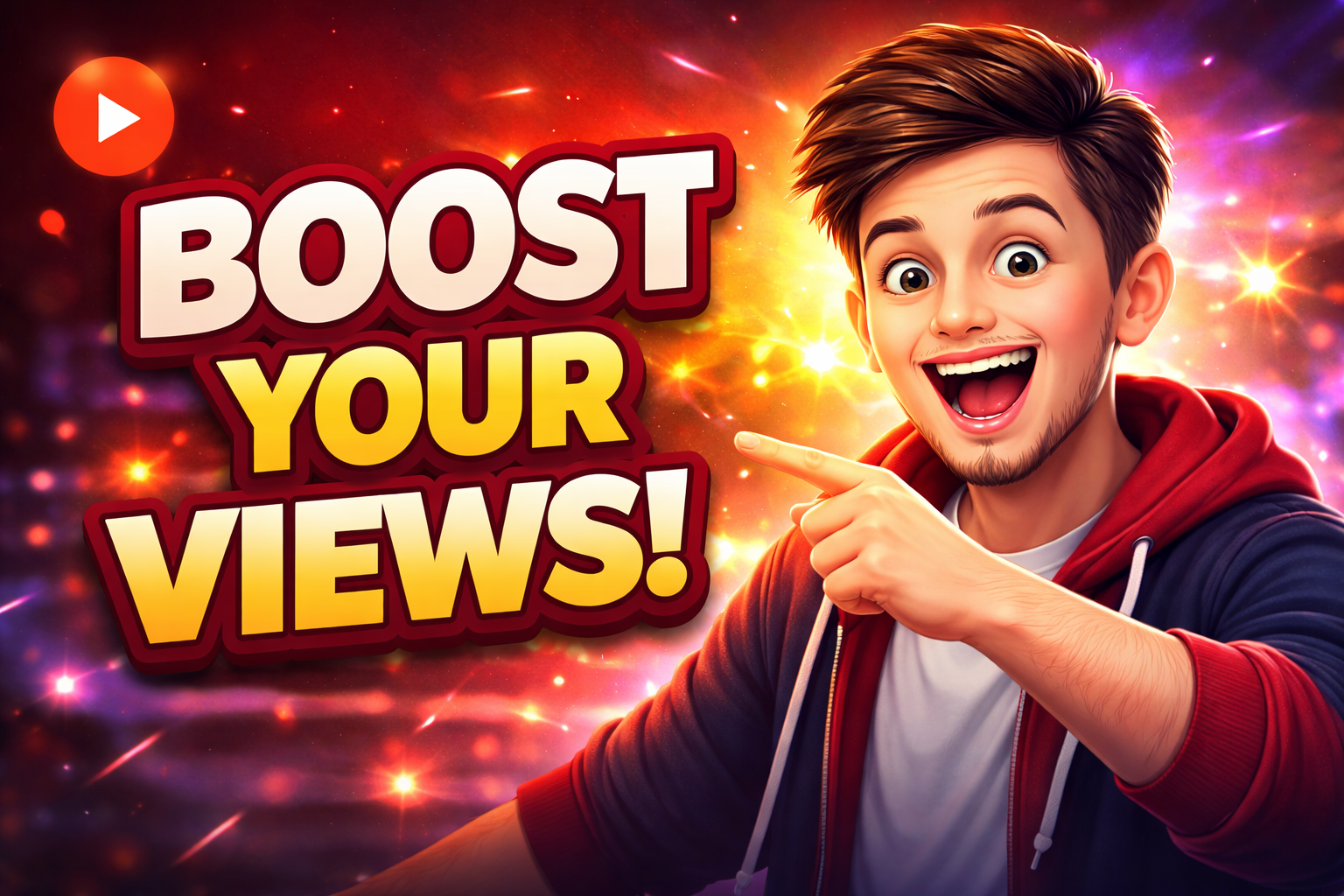
With face shot
Face + background = high-CTR layout
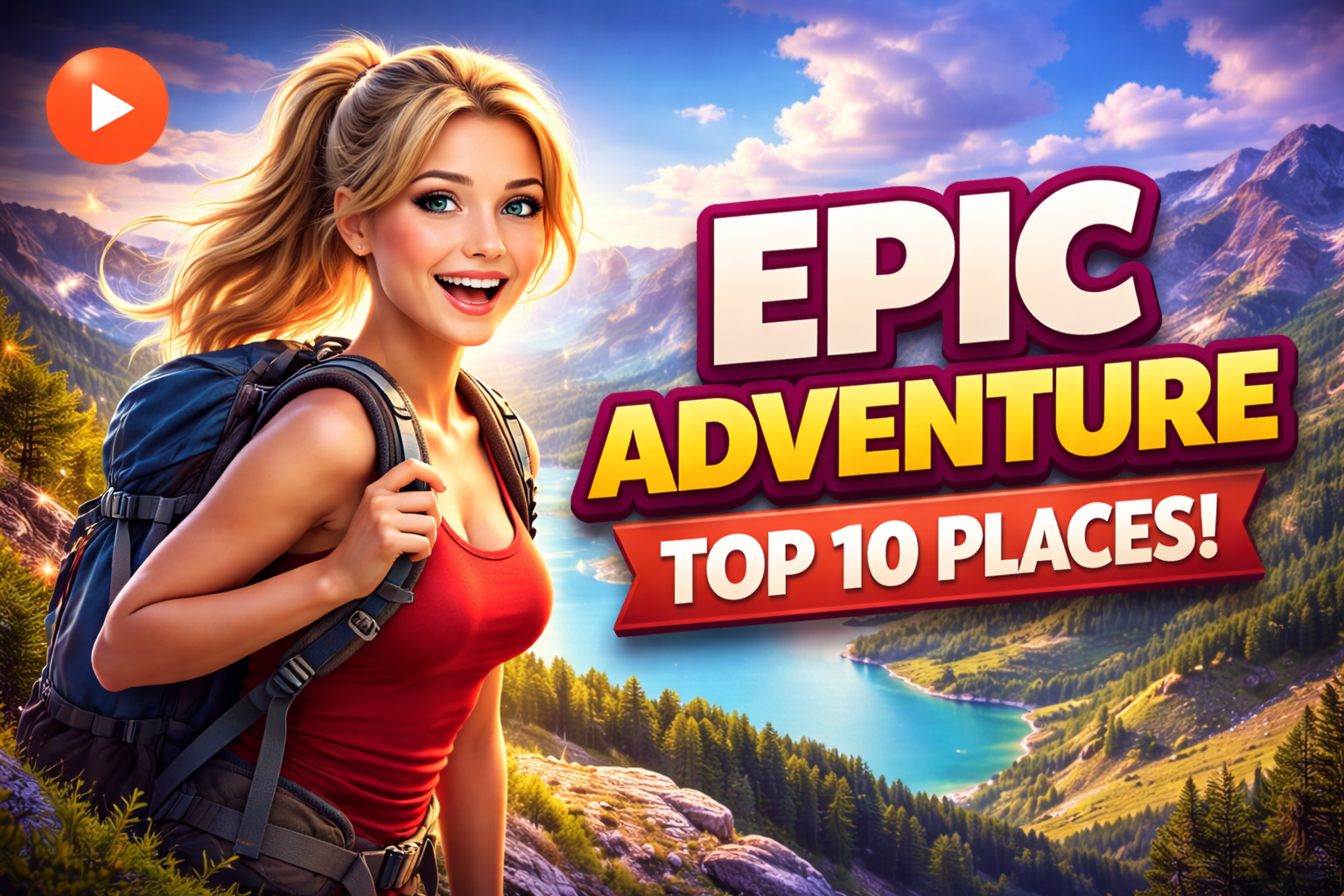
Single image
One image, AI composes the rest
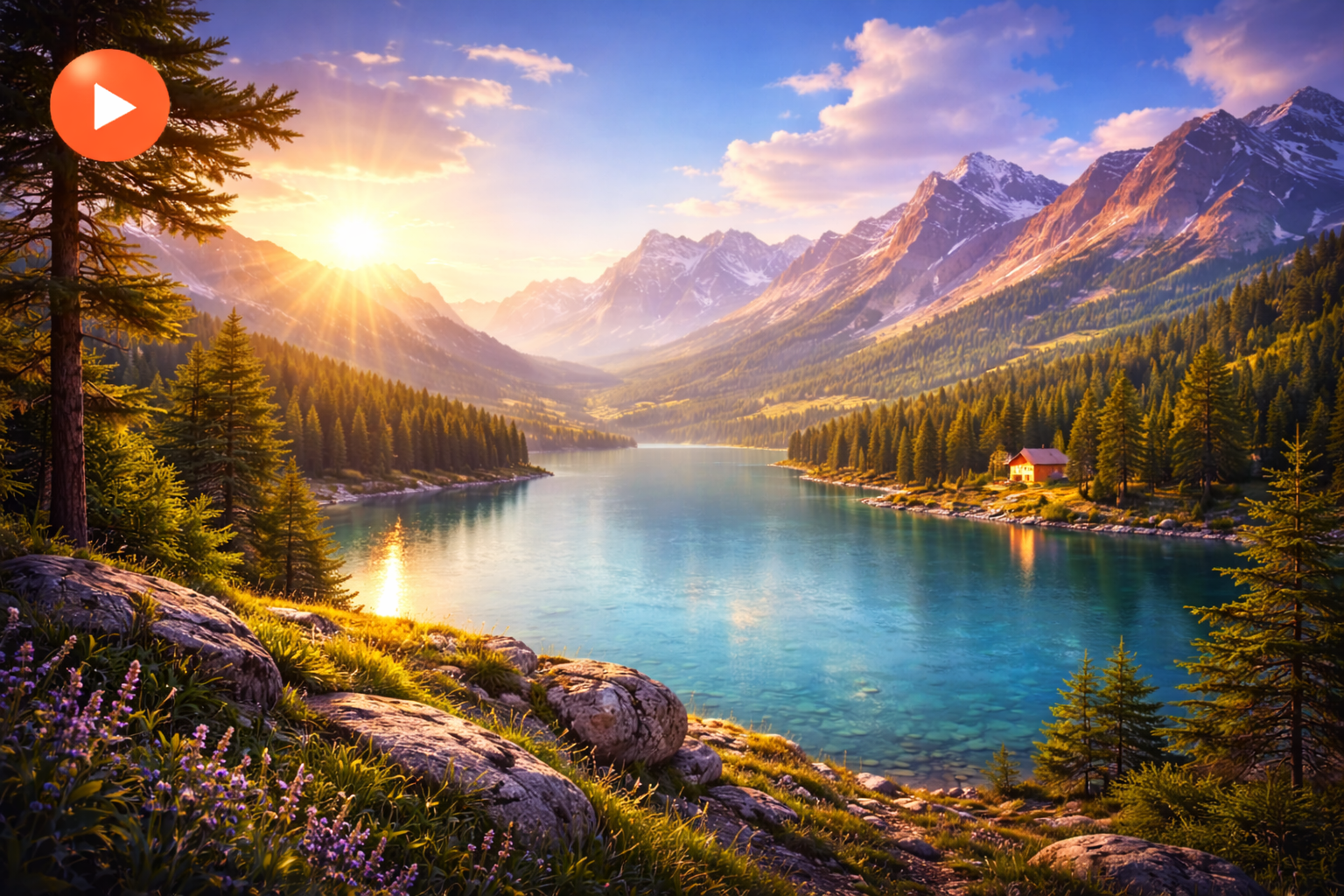
Background only
Scenery or product, no face needed
How the AI Thumbnail Maker Works
Three simple steps from raw images to a click-worthy YouTube thumbnail — no design experience needed.
Upload up to 2 images
Drag and drop your photos — a face shot, a background, a product, anything. JPEG, PNG, or WebP, up to 5MB each.
AI enhances, crops & composes
AI improves sharpness, lighting, and clarity, then composes a layout proven to get more clicks — automatically.
Download your YouTube-ready image
Get a 1280×720 thumbnail in seconds. No watermarks, no design skills, no waiting.
No sign-up · No credit card · Instant results
AI Image Processing for YouTube Thumbnails
Every image you upload is processed by AI trained specifically for YouTube visual performance.
Automatic YouTube thumbnail sizing (1280×720)
Every thumbnail is output at the exact dimension YouTube recommends — no manual resizing required.
Image enhancement — sharpness, lighting, clarity
Sharpness, lighting, and clarity are automatically improved so your subject stands out in any feed.
Smart cropping for faces and subjects
AI detects the most important part of your image and composes around it for maximum visual impact.
Background cleanup & focus improvement
Distracting backgrounds are cleaned up so the subject commands full attention.
High-quality output optimised for clicks
The final image is colour-graded and sharpened specifically to perform well on YouTube's thumbnail grid.
Why creators use AI instead of editing manually
Designing thumbnails manually takes time and skill. AI removes the guesswork by automatically improving composition and visual impact — so your thumbnail looks professional and gets more clicks without effort.
Perfect for
Whether you're a gaming creator, educator, or business channel, AI thumbnails work for any niche.
- ▶️Most popular
YouTube video thumbnails
Create scroll-stopping thumbnails that drive more clicks on long-form YouTube content.
- 📱
YouTube Shorts thumbnails
Stand out in the Shorts feed with a bold, high-contrast thumbnail crafted by AI.
- 🎮
Gaming thumbnails
Gaming audiences expect bold, energetic visuals. AI delivers exactly that in seconds.
- 🎓
Vlogs & educational content
Whether a travel vlog or a how-to tutorial, get a clean, professional look instantly.
- 💼
Business and tech channels
Polished, credible thumbnails for fintech, SaaS, and professional channels.
YouTube-ready output
Every thumbnail is generated in the correct aspect ratio and resolution recommended by YouTube, so it looks sharp on mobile, desktop, and TV.
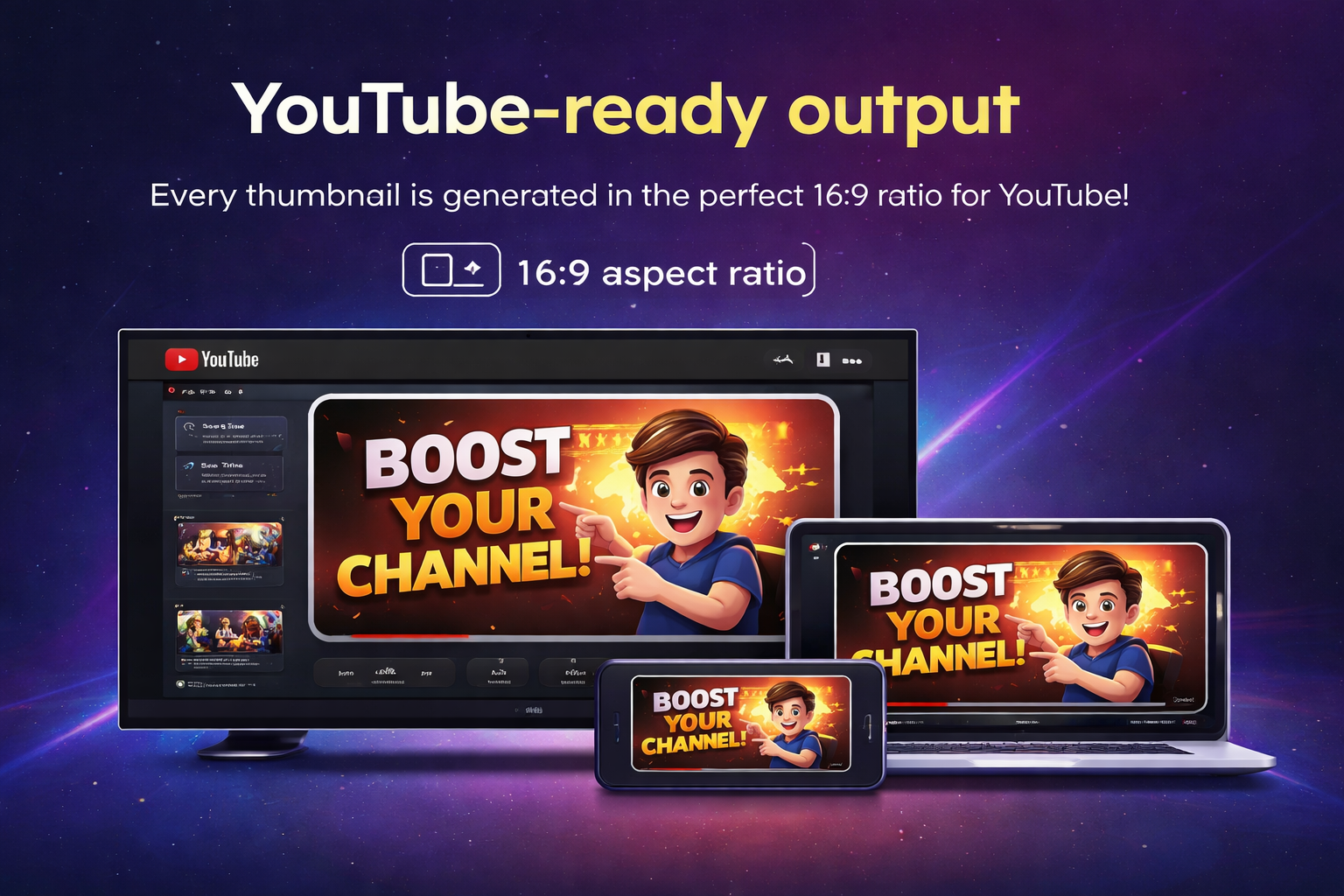
1280×720 · 16:9 · YouTube recommended resolution
Current limits
- 🖼️Upload up to 2 images per thumbnail
- 🔗Image upload only — no video links yet
More features are coming as we improve the AI.
What makes a good YouTube thumbnail?
Understanding what drives clicks helps you get more from every video. Here's what the data shows.
High contrast between subject and background
Thumbnails are displayed at small sizes in YouTube search and recommendations. A strong contrast between your subject and the background ensures it stands out — even on a phone screen.
Subject clarity — one clear focal point
The best thumbnails communicate a single idea at a glance. Cluttered images confuse viewers and reduce clicks. Use a tight crop on your subject and remove distractions so the viewer's eye knows exactly where to look.
Correct aspect ratio and resolution
YouTube recommends 1280×720 pixels at a 16:9 aspect ratio. Uploading the wrong size results in blurry or cropped thumbnails that look unprofessional in the feed. AI generates at the correct spec automatically.
Why AI improves click-through rate
AI analyses composition, lighting, and cropping to produce a layout optimised for visual impact — applying the same principles that high-performing channels use, without requiring any design knowledge.
AI Image Editing Tools
Create thumbnails, remove backgrounds, generate passport photos, and edit images instantly with AI.
AI YouTube Thumbnail Maker
Generate scroll-stopping thumbnails with AI.
Try it freePassport Photo Maker
Convert any selfie to a biometric passport photo.
Try it freeRemove Background
Remove the background from any image instantly.
Try it freeMake Image Transparent
Turn any photo or logo into a transparent PNG.
Try it freeLogo Background Remover
Make your logo transparent for any background.
Try it freeSignature Background Remover
Extract your handwritten signature as a transparent PNG.
Try it freeAI Image Upscaler — 2x & 4x
Increase image resolution 2x or 4x with AI. Sharper, larger, print-ready.
Try it free
Frequently asked questions
Have more questions? Email us and we'll get back to you.
Is this a free YouTube thumbnail maker?
Yes, you can try it for free. No sign-up or credit card required.
How many images can I upload?
You can upload up to 2 images per thumbnail.
Is there a free passport photo maker online?
Yes — the Renderly passport size photo maker is completely free. Upload any photo, select your country, and get a biometric passport photo in seconds. No account needed.
Do I need design skills?
No. The AI handles layout, cropping, and enhancement automatically. Just upload your images and download your thumbnail.
What size is the thumbnail?
1280×720 pixels — the resolution recommended by YouTube for all video thumbnails.
Can I convert any picture to passport size?
Yes. The image to passport size converter accepts selfies, casual photos, or any portrait shot. AI automatically removes the background, centres your face, and outputs the correct dimensions for your country.
Can I use it for YouTube Shorts?
Yes, thumbnails work for both regular videos and Shorts on YouTube.
Can I print passport photos on A4 or 4×6 sheets?
Yes. After generating your passport photo, download a print-ready A4 sheet with 8 copies, or a 4×6 passport photo sheet with 4 copies. Cut guides are included so you can trim each photo at home.
Create your next YouTube thumbnail in seconds
Fast · Simple · AI-powered